
In the state of Tamil Nadu, if any of the citizen wants to gives any kind of suggestion, wants to file the complaints and later wants to know about the Status and Result of the Complaints, then there is a online portal name “Mudhalvarin Mugavari Portal” has been launched by the State Government of the Tamil Nadu. Using the same portal, they all can make the directly call to the Chief Minister of the State Vijay Joseph the Leader of the TVK Government. Here I am going to give you all the tips you have to remember to share your suggestions, file complaints and track your Status.
- It is a Public Grievance Redressal Platform.
- File complaints related to different government services, welfare schemes, and any other issue.
- Give your suggestions and also check the latest announcements.
Mudhalvarin Mugavari Portal
This Portal is known as the CM Helpline Portal of the Tamil Nadu State. This is the online portal which use for officially to get the public grievances. This portal is offer the online services to the citizen to file complaints, share their suggestion and track their status related to the services of the government, different government welfare schemes etc.
The same portal is developed by the TNEGA, i.e. Tamil Nadu e-Governance Agency. Citizens can use this portal in two different languages, i.e. Tamil and English.
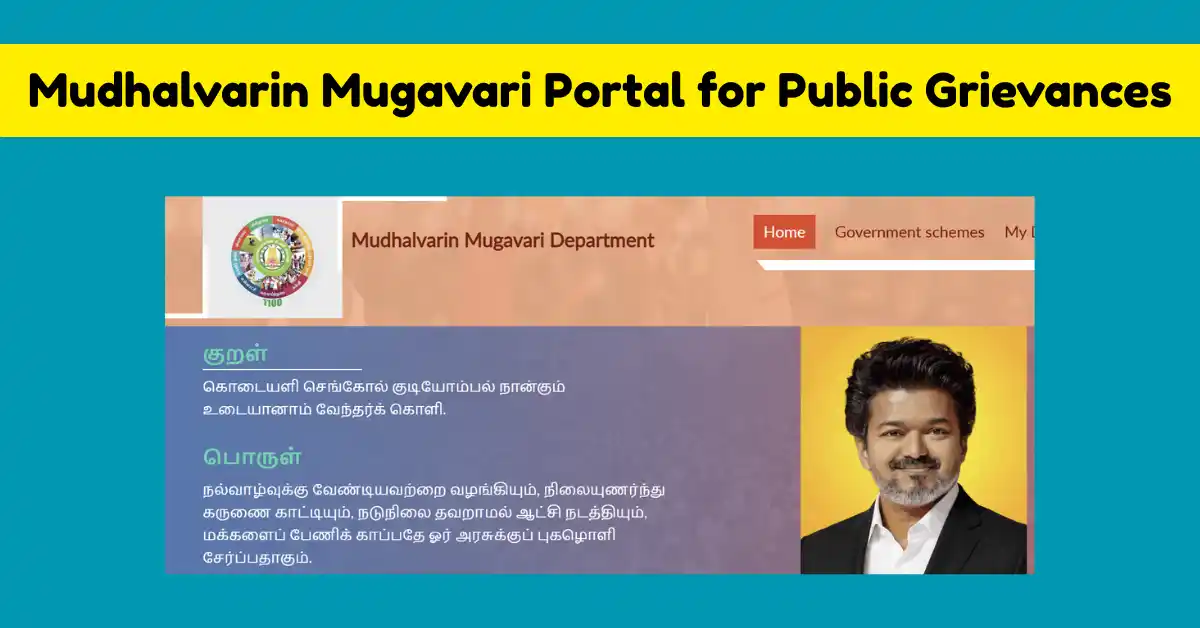
Mudhalvarin Mugavari Public grevience Portal Tamil Nadu
| Name of Portal | Mudhalvarin Mugavari Portal public grievances |
| Category of Portal | CM Helpline Portal |
| State | Tamil Nadu |
| Who can use this Portal | Public of the state |
| Benefit | Solution from the government side for your complaints |
| How to file a complaint | Using the different modes given below. |
How does this Mudhalvarin Mugavari Portal Work?
- Create Account: All first-time users of the state fill ned to register by filling the Sign Up Form on the portal. They just need to use their basic information and a valid, active mobile number.
- Login: Then, after creating the account, using the credential details, they all need to login the account.
- Submit and Receipt: Now, after logging in, file the grievance through the portal and after registering your complaint, an acknowledgement receipt ID is generated.
- Track Status: Now, using your automated receipt ID you can track the real-time status of the complaint by making login in your account.
- Reopen File: If, by chance, your complaint is closed and it is not satisfactory to you, then you call to the helpline number and then reopen the same complaint for further processing.
How to File Mudhalvarin Mugavari Portal Public Grievances?
All the public of the Tamil Nadu State can use this portal to file their public grievance through the different options as given below.
- Using this Portal: With the help of this Mudhalvarin Mugavari Portal, citizen can register and then file their complaint directly online.
- Using Toll Free Number: There is also toll free number issue i.e. 1100 by calling on this number you can talk to the officials and then file your complaint.
- Email ID: The email ID, i.e. cmcell@tn.gov.in can also be used to write the complaint; kindly mention the subject of the complaint.
- Mobile App: You can also download the Mobile App and file your complaint.
Mudhalvarin Mugavari Portal Sign Up
- Kindly visit the official Mudhalvarin Mugavari Portal, i.e. cmhelpline.tnega.org.
- Now, on the home page of the portal, you get three link highlights in different colours.
- Here you have to choose the link for filing a Grievance. Now, before filing the Grievance, you need to create a new account if you are new, but if you already have an account, then just add your mobile number and carry on.
- But to sign up on the portal, you have to click on Sign in.
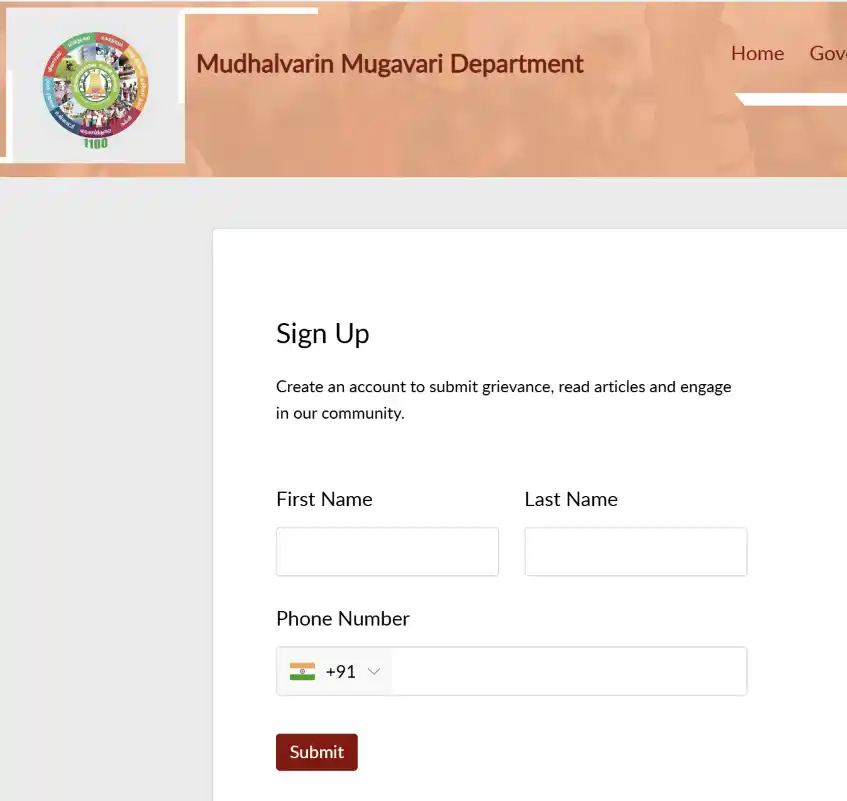
- Here signup Form open here and you need to write your First name and Last Date.
- Enter your phone number and submit. You will get the OTP and then create your account to complete.
- Now file complaints.
Mudhalvarin Mugavari Portal Login & Track Status
After submitting the grievance, if you want to track your Status, then using your credential details, you have to login and then track Status.
- Open the CM Helpline Portal of Tamil Nadu cmhelpline.tnega.org/portal
- Now, on the home page of the portal, you get the link to Track Status.
- Now click on it, and the sign-in or login form opens here.
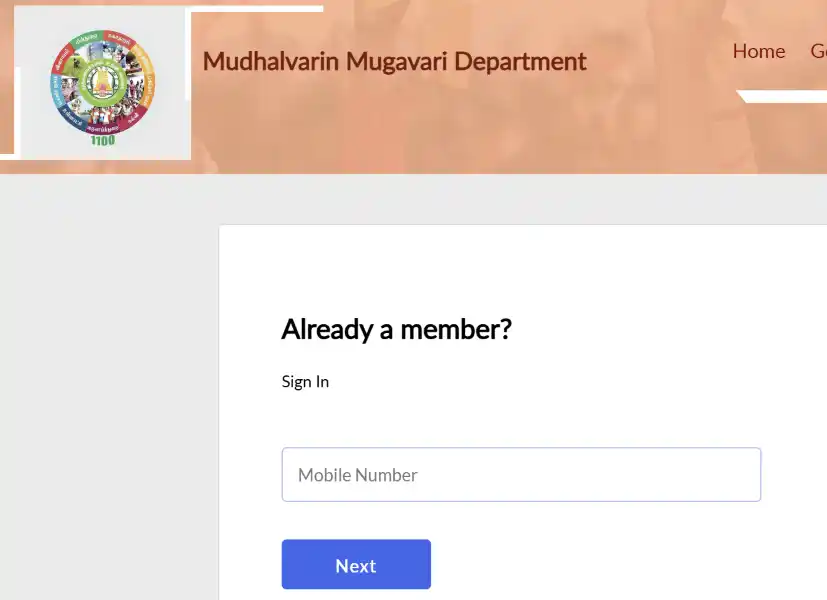
- Enter your Registered Mobile Number and Click on Next.
- You will get the OTP and verify your account.
- Now the Dashboard of your account open here, and Check or track your real-time status.

Aakash Kumar is a professional content writer with 10 years of experience. His knowledge is mainly in South Indian news and especially in Government news and their schemes. He shares his knowledge on nayilakshu.com daily, providing genuine, high-quality information to our visitors.